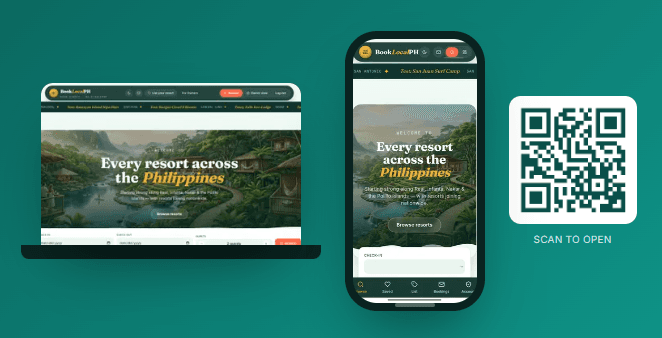
Opens the right steps for your device below.
Install BookLocalPH
Get one-tap access from your home screen or desktop — no app store, no download size, just a shortcut that opens straight to BookLocalPH.
On your computer
Chrome or Edge: look for a small install icon (a screen with a down arrow) at the right side of the address bar, and click it. If you don't see it, open the browser menu (⋮) and choose "Install BookLocalPH."
Safari on Mac: currently doesn't support installing sites as apps — bookmark the page instead, or use Chrome/Edge for the full install experience.
On your phone
Android (Chrome)
Tap the menu (⋮) in the top-right, then "Install app" or "Add to Home screen."
iPhone/iPad (Safari)
Tap the Share button at the bottom of the screen, scroll down, then tap "Add to Home Screen."
Installing is entirely optional — BookLocalPH works fully in your regular browser either way. See our Help Center article for more.
Browse by type
Discover